
DPI Converter: Change DPI Instantly (100% Free)
Select your target resolution profile and inject accurate DPI headers instantly within your browser environment. Your files never leave your device.
Why target 300 DPI?
300 DPI is the universal print industry standard. It packs enough pixel density to ensure graphics and text are rendered sharply on physical media without blur or pixelation.
Load Asset Container
Drag and drop your image directly onto this canvas.
Ever printed an image that looked perfect on screen… but blurry on paper?
That usually happens because the image DPI is not set correctly for printing. A file can look sharp on your phone or laptop, but still come out soft, stretched, or rejected when printed.
Blurry Prints
Your image looks clean on screen, but the printed version appears soft, pixelated, or unclear.
Rejected Photos
Passport, ID, and document photos can fail when the DPI or print setup does not match the requirement.
Confusing Settings
Most people do not want to open heavy design software just to change one technical image setting.
DPI conversion without the headache
DPIConverter.io helps you prepare images for printing without needing Photoshop, complicated editing menus, or design experience.
Upload your image through the tool, choose the DPI value you need, and download a cleaner print-ready file in seconds.
- No design software required
- Works directly in your browser
- Quick output for common print needs
- Simple enough for beginners
Fix your DPI in 3 quick steps
No complicated settings. No software installation. Just upload, choose, and download.
Upload Your Image
Choose your JPG, PNG, or supported image file from your device.
Select Your DPI
Pick a common value like 72, 150, 300, or enter the DPI you need.
Download the Result
Save your adjusted image and use it for print, forms, or digital submissions.
DPI explained without boring tech talk
DPI means dots per inch. In simple words, it controls how much detail your image carries when it is printed on paper.
A low DPI image may look fine on a screen because screens display pixels differently. But printing makes quality issues more visible, especially for photos, documents, and forms.
The better the DPI setup, the cleaner the printed result looks.
Low DPI
72 DPI typical- Looks okay on screen
- May print blurry
- Not ideal for documents
High DPI
300 DPI typical- Better for printing
- Cleaner document output
- More professional look
Built to make image fixing feel effortless
DPIConverter.io is designed for quick image preparation, everyday print tasks, and users who want a simple tool that just works.
Instant DPI Conversion
Convert image DPI quickly without moving through complicated menus.
Learn moreBrowser-Based Tool
Use the converter directly from your browser without installing desktop software.
Learn morePrivacy-Friendly Experience
Keep the experience simple and focused with browser-based image handling.
Learn morePrint-Ready Output
Prepare files for passport photos, reports, photo printing, forms, and design work.
Learn moreCustom DPI Control
Choose common DPI values or use a custom value based on your requirement.
Learn moreWhere DPI actually matters
DPI is not just a technical setting. It affects real tasks like passport photos, school documents, office files, printed photos, and product images.
Passport & ID Photos
Prepare images for official photo printing and document submissions.
School & University Work
Fix images before uploading assignments, reports, or academic files.
Photo Printing
Make family photos, frame prints, and album images cleaner for paper output.
E-commerce Images
Prepare product images for catalogs, print sheets, and branded documents.
Design & Freelance Work
Quickly adjust client images without opening heavy editing software.
Office Documents
Improve images before inserting them into PDFs, reports, forms, or presentations.
A tiny tool with a big print job
DPIConverter.io is built for people who want quick results without learning image editing software. It keeps the process simple, friendly, and focused on the task.
Whether you are fixing a passport photo, preparing a print file, or adjusting an image for a document, the tool helps you move from confusion to print-ready in a few clicks.
- Simple enough for beginners
- Fast enough for daily use
- Useful for print and document tasks
- Designed with a clean, distraction-free interface
- Works across modern devices
Image Readiness Check
Live status overviewPeople use it when DPI gets annoying
From students to freelancers, DPIConverter.io helps people fix image DPI without stress.
"I needed to fix a passport photo quickly, and this made the process simple."
"Much easier than opening editing software just to change DPI. Saves me so much time on client work."
"Helpful for preparing images before printing. Clean and fast."
"I used it for document images before submitting a report. Very straightforward and quick to use."
Helpful guides for better image preparation
Learn practical ways to resize, enhance, and edit images for documents, presentations, websites, and printing.
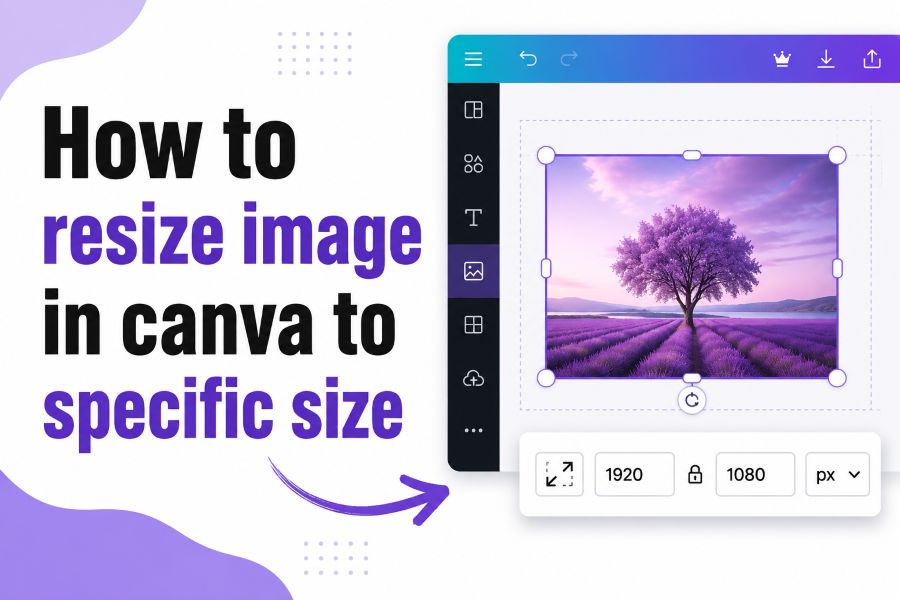 Image Resizing
How to Resize Image in Canva to Specific Size
Learn how to set exact image dimensions in Canva, crop correctly, preserve proportions, and export the finished file.
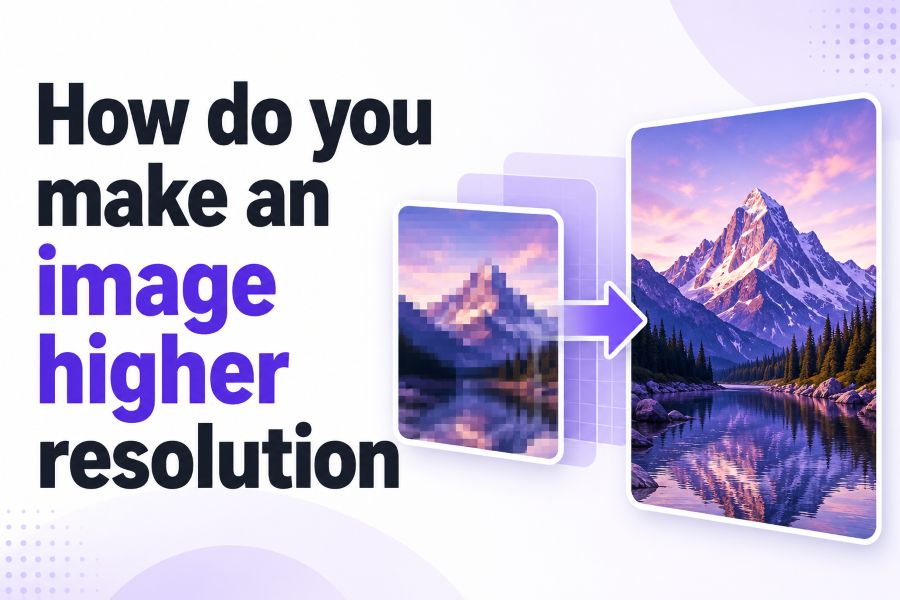 Image Quality
How Do You Make an Image Higher Resolution?
Understand image upscaling, pixel dimensions, sharpening, DPI, and the best ways to improve image quality.
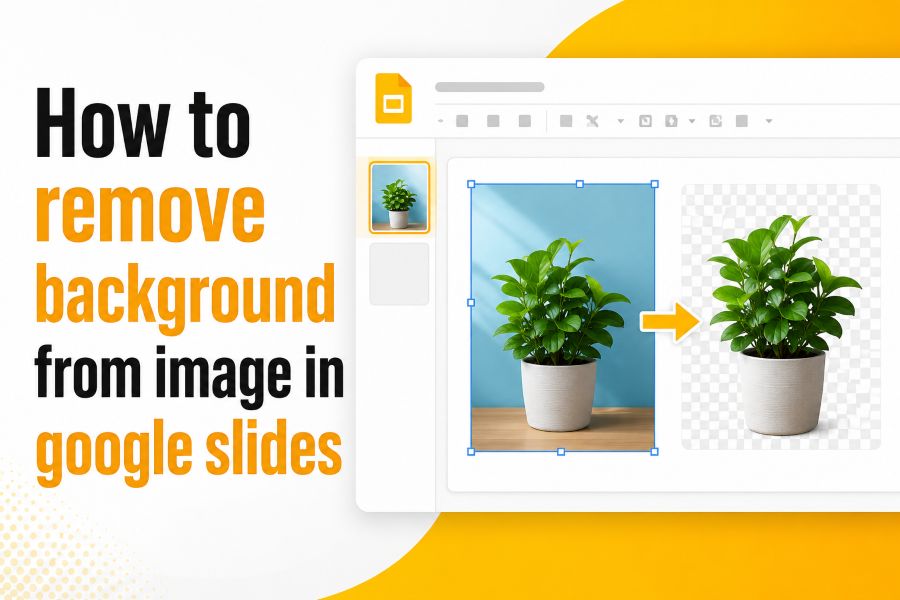 Google Slides
How to Remove Background from Image in Google Slides
Follow simple built-in methods and practical workarounds to create clean, transparent images for your slides.
Frequently Asked Questions
Everything you need to know about DPI conversion, printing, and image quality.
DPI stands for dots per inch. It describes how much detail an image uses when printed. Higher DPI usually creates cleaner print output.
300 DPI is commonly used for high-quality printing, especially for passport photos, documents, and professional photo prints.
Changing DPI mainly affects how the image is interpreted for printing. The final quality also depends on the original image resolution.
Yes, it can help prepare passport and ID photos for print-related DPI requirements. Always check the exact rules from the official authority before submitting.
No. DPIConverter.io is designed to help users adjust DPI directly through a browser without installing heavy editing software.
The experience is designed to be simple and browser-focused. Avoid uploading sensitive files to any online tool unless you understand how that tool handles data.
Yes. The website should be fully responsive and comfortable to use on modern mobile browsers.
Screens and paper display images differently. DPI helps control how sharp and clear an image appears when printed.
Ready to make your image print-ready?
Upload your image, choose your DPI, and download the adjusted version in seconds. No software. No confusion. Just a quick DPI fix.